PhotoCraft: The free, open-source Photoshop alternative
Layers, masks, live adjustments and real PSD files, with the menus and shortcuts your hands already know. Open PhotoCraft in your browser in seconds, or install it on any desktop.
Opens your files
What is PhotoCraft
What is PhotoCraft?
PhotoCraft is an open-source image editor that rebuilds the Photoshop workflow from the ground up in Rust. You get layers, masks, adjustment layers, layer styles, type, vectors and a real brush engine, and you can open, edit and save layered PSD files from your existing projects. It is free for everyone, with no account and no subscription.
It feels instant because the canvas runs on your graphics card through WebGPU, Metal, Vulkan or DirectX 12. The same engine compiles to WebAssembly, so the editor on this site is the full app running inside your browser. Your images never leave your computer.
- 1.
Real PSD files
Open and save layered PSD and PSB documents.
- 2.
Non-destructive
Adjustment layers and masks stay editable.
- 3.
Familiar shortcuts
Menus and keys where Photoshop users expect them.
- 4.
Open source
Free forever under MIT or Apache-2.0.
Try it here
Try a PhotoCraft adjustment layer
Drag the sliders or pick a preset, then drag across the painting to compare. In PhotoCraft every adjustment works like this: live, maskable and never baked into your pixels.
 BeforeAfter
Properties · Adjustment
Presets
Fine Wind, Clear Morning (Red Fuji), Katsushika Hokusai, c. 1830. Public domain. The sliders here are a preview in your browser; PhotoCraft has 16 real adjustment layers.
PhotoCraft features
Everything you edit in Photoshop, rebuilt for everyone
PhotoCraft covers the work people open Photoshop for every day: retouching, color grading, compositing, type and layout.
 307 of 309 PSDs round-trip
PSD files
Open your PSD files and keep working.
PhotoCraft reads and writes layered Photoshop documents, so years of client work and templates open with their layers, masks, type and effects intact. Large PSB canvases and 16 or 32-bit files open natively.
- Re-saved files render the same for 307 of 309 public PSD test files
- Shape layers match Photoshop pixel for pixel in the test set
- Layered TIFF, PNG, JPEG, WebP, AVIF, OpenEXR and more
 16 adjustment layers
Adjustment layers
Edit without regret.
Every adjustment stays live. Stack Levels, Curves, Vibrance and Hue/Saturation, mask them to one area, reorder them or switch them off, and your original pixels never change.
- 16 adjustment layers, from Curves to Color Lookup
- Per-channel Curves and Levels with a live histogram
- Shadows/Highlights, Match Color and HDR Toning
 Select Subject, on device
Selections and masks
Selections that understand your image.
Use the marquees, lassos and Magic Wand for precision, or let Quick Selection, Object Selection and Select Subject trace the edges for you. Select and Mask refines hair-fine detail, and every selection becomes a mask in one click.
- Smart selection runs on your machine, with no cloud
- Feather, expand, contract, smooth and grow
- Turn any selection into a mask, path or shape
 Live preview
Filters
See every filter before you commit.
Each filter previews live on the canvas, inside your selection. Run blurs, sharpening, distortions and render filters as smart filters and they stay editable for as long as you need them.
- Gaussian, Lens, Motion and the full Blur Gallery
- Reduce Noise, Smart Sharpen, Oil Paint and Lens Flare
- A radius-180 Gaussian blur on 3.6 MP finishes in under a second
- Stars on GitHub
- 30.2k
- Desktop downloads
- 340k+
- Commands for scripts and agents
- 500+
- Adjustment layers
- 16
Inside PhotoCraft
The full PhotoCraft toolbox
The tools, panels and file formats of a professional editor, ready from the first launch.
- 01
34 tools where you expect them
Move, marquees, lassos, crop, brush, clone stamp, healing brush, gradient, dodge, burn, pen, type and five shape tools, on the shortcuts you already use.
- 02
A real brush engine
Shape dynamics, scattering, texture, dual brush and wet edges, driven by pen pressure, tilt and rotation on your tablet.
- 03
Layers, done properly
Groups, clipping masks, vector masks, smart objects, fill layers, 27 blend modes, locks and color labels.
- 04
Color you can trust
RGB, Grayscale, CMYK and Lab at 8, 16 and 32 bits, with ICC color management and soft proofing.
- 05
Every file you work with
PSD, PSB, layered TIFF, PNG, JPEG, WebP, GIF, AVIF, OpenEXR and Radiance HDR, at 8, 16 and 32 bits.
- 06
Built for automation
Every action is one of 500+ commands, so scripts, batch jobs and AI agents drive the app through its CLI or MCP server.
Compare
PhotoCraft vs Photoshop
You get the core Photoshop workflow for free. Here is where the two match and where Photoshop still leads.
| Feature | PhotoCraftFree | Adobe Photoshop |
|---|---|---|
| Price | Free forever | Monthly subscription |
| Source code | Open source, MIT or Apache-2.0 | Closed |
| Account required | No | Adobe ID |
| Runs on | Browser, Windows, macOS, Linux, FreeBSD | Windows, macOS, mobile and web, no Linux |
| PSD files | Open and save, layers intact | Native format |
| Layers, masks, adjustment layers, styles | Yes | Yes |
| Generative AI fill | Not yet | Firefly |
| Third-party plug-ins | Not yet | Yes |
| Maturity | Early alpha, updated every few days | Mature, since 1990 |
Get PhotoCraft
Use PhotoCraft online or on any desktop
One editor, wherever you work. Every desktop build links to the official signed release on GitHub.
PhotoCraft online
Open the full editor in Chrome, Edge, Safari or Firefox. Nothing to install, and your files stay on your computer.
Browser · no installWindows
Code-signed MSI installer or portable ZIP for 64-bit, ARM and 32-bit PCs.
MSI · portable ZIPmacOS
One universal DMG for Apple silicon and Intel Macs, signed and notarized by Apple.
Universal DMGLinux
AppImage, Flatpak, .deb, .rpm or a tarball, for x86_64 and ARM64.
AppImage · Flatpak · .deb
How to use PhotoCraft
How to use PhotoCraft online
- 01
Open the editor
Press Open PhotoCraft online. The app loads once, then your browser keeps it ready for your next visit.
- 02
Open or create a document
Open a PSD, JPEG, PNG or WebP file, or start a blank canvas with File › New.
- 03
Edit with layers
Add adjustment layers, paint masks, set type and apply styles. Every step is in History, so you can undo anything.
- 04
Save or export
Save a PSD to keep your layers, or use Export As for PNG, JPEG or WebP with a live preview and file size.
Command line and MCP
Automate PhotoCraft from the command line
Every menu item, tool and dialog runs a command, and the same 500+ commands are open to scripts and AI agents.
- Batch-grade a whole folder of photos
- Build images inside a pipeline, without opening the app
- Let an AI agent edit through the built-in MCP server
Get photocraft-cli from the official GitHub release. The download guide lists every build.
# Sharpen, add a Curves layer and export$ photocraft-cli run wave.psd \ --cmd filter.sharpen.smartSharpen --params '{"amount":80}' \ --cmd layer.newAdjustmentLayer.curves \ --out wave-final.png# Apply one action list to a whole folder$ photocraft-cli batch --actions grade.json --in ./raw --out ./graded# Let an AI agent take the wheel over MCP$ photocraft-cli mcpFAQ
PhotoCraft FAQ
Price, PSD files, safety and what is still missing, answered straight.
Ask us something elseYes. It is free and open source under the MIT or Apache-2.0 license. There is no trial, no subscription and no account, on the web or on the desktop.
Yes. Open PhotoCraft online and the full editor runs in your browser through WebAssembly. Browsers with WebGPU get the fastest canvas, and the rest switch to WebGL2 automatically.
Yes. It opens and saves layered PSD and PSB files with their layers, masks, type layers, adjustment layers and layer styles. It also reads layered TIFF and exports to PNG, JPEG, WebP and AVIF.
Not yet for every professional. The project is in early alpha: the core workflow is there, while generative AI, plug-ins, advanced typography and a set of less common tools are still to come. New versions arrive every few days.
Yes. The source code is public on GitHub, the Windows builds are code-signed and the Mac app is signed and notarized by Apple. The online editor processes your images inside your browser and never uploads them. We checked all of this step by step.
Yes. There are native builds for macOS (Apple silicon and Intel), Windows (x64, ARM64 and x86), Linux (x86_64 and ARM64) and FreeBSD. See the download guide for each format.
It includes on-device smart selection such as Select Subject and Object Selection. Generative AI tools are not part of the app yet.
It is built by the ArtCraft team and open-source contributors on GitHub. It is a clean-room project written from public specifications and contains no Adobe code.
No. PhotoCraft Editor is an independent site that hosts the open-source web build and links to the official releases. It is not affiliated with ArtCraft or Adobe.
Yes. It is one of the Crafting Apps, alongside VectorCraft for illustration, FilmCraft for video, LightCraft for photo libraries and raw files, DesignCraft for page layout, EffectCraft for motion graphics and PdfCraft for PDFs. All of them run online on this site too; see all the Crafting Apps.
Start editing with PhotoCraft
The full editor, free in your browser. Open a PSD and pick up where you left off.
Colophon
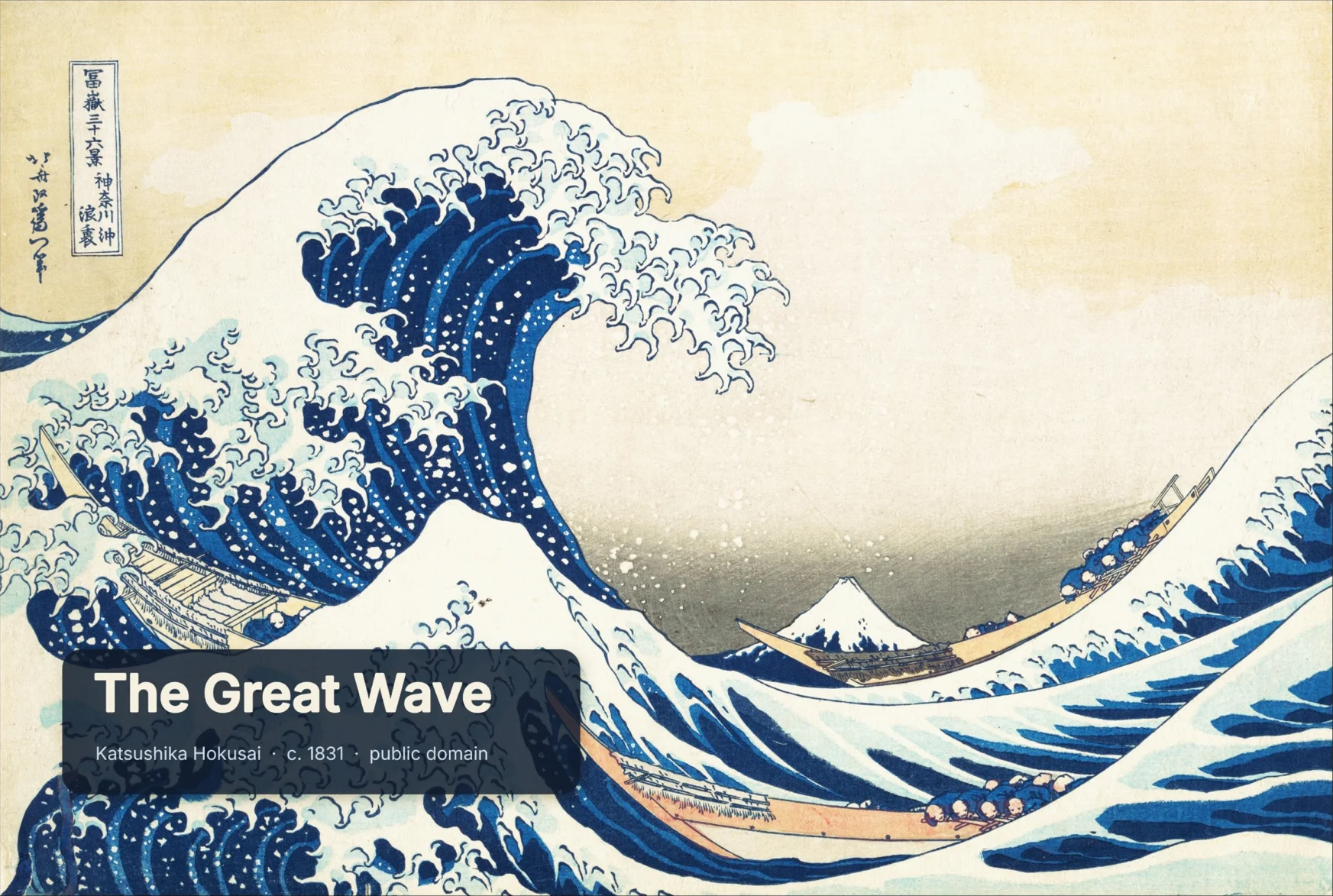
Set in Instrument Serif and Inter. The plates are public-domain works: The Great Wave off Kanagawa and Fine Wind, Clear Morning by Katsushika Hokusai, Impression, Sunrise and Water Lilies by Claude Monet, Girl with a Pearl Earring by Johannes Vermeer and The Starry Night by Vincent van Gogh. The edited plates are screenshots from the PhotoCraft repository (MIT or Apache-2.0); Fine Wind, Clear Morning comes from Wikimedia Commons.
PhotoCraft Editor is an independent site. It is not affiliated with ArtCraft or Adobe.